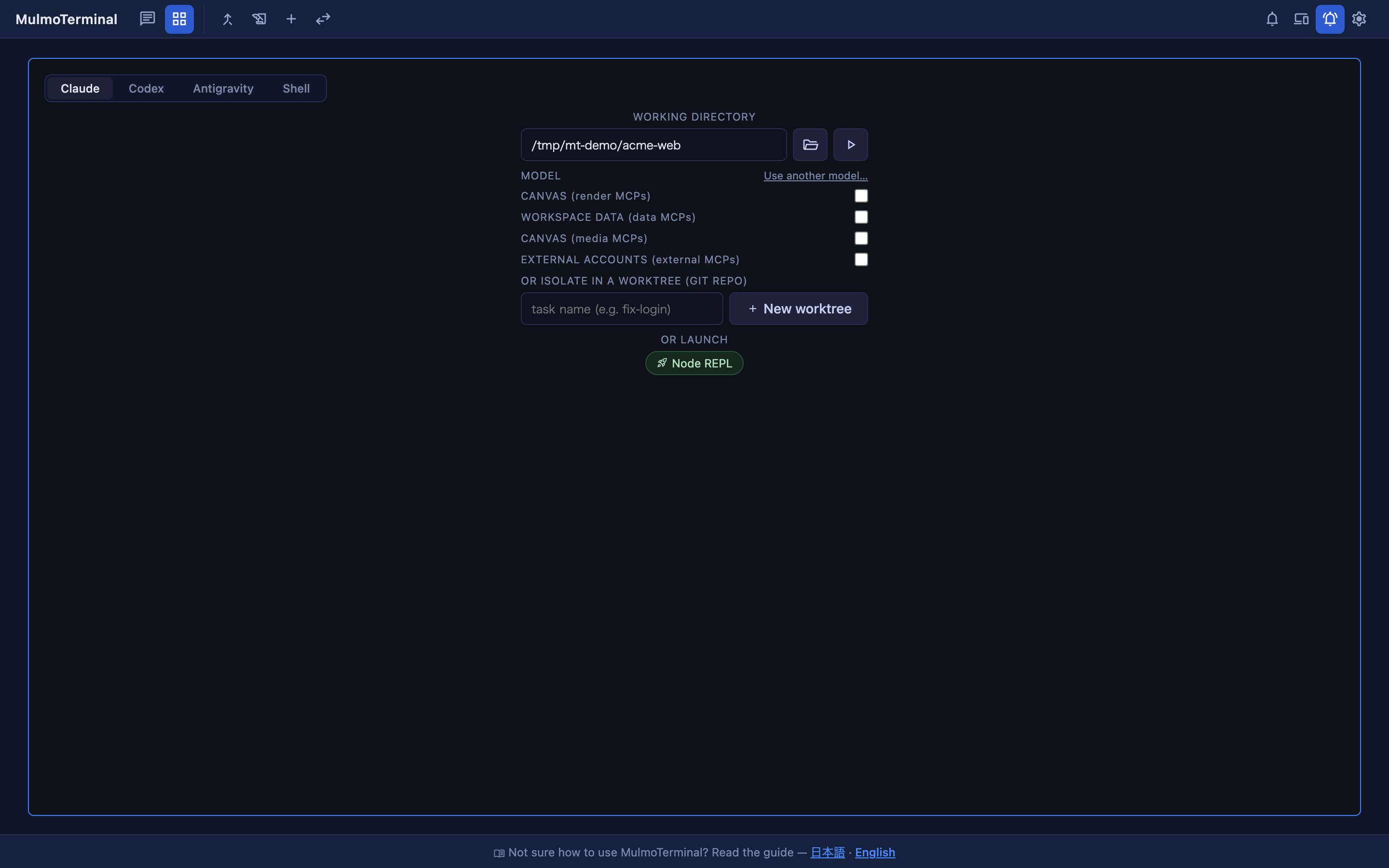
Search for a way to run Claude Code or Codex sessions in parallel and you’ll find more than twenty tools.
Vibe Kanban / Nimbalyst / Parallel Code / Conductor / Claude Squad / CodeAgentSwarm
Superset / Paneflow / Sculptor / Mux / opcode / T3 Code / Paseo / Pane
Augment Intent / Gas Town / Antfarm / agor / Emdash / iloom / claudio / Chloe
agent-of-empires / sudocode / devswarm / air.dev / flightdeck / Lanes / graft ...
That’s from one Reddit thread and three comparison posts. It isn’t exhaustive.
The awkward part is that a feature table won’t help you choose between them.
Before anything else: we maintain one of these tools (MulmoTerminal — built by Satoshi Nakajima and the Singularity Society team, MIT). So this isn’t neutral. What we can offer instead is being specific about where the others are better, and about what we haven’t tested.
First: you may already have enough
claude agents has been in Claude Code since 2.1.139. It’s one command.
claude agentsIt lists your background sessions grouped by Working / Needs input / Completed, with a one-line summary of what each is doing. claude --worktree <name> has been there since 2.1.49 — it cuts an isolated worktree, starts a session in it, and cleans up after.
It shipped quietly as a Research Preview, and a lot of people don’t know it exists. When we interviewed six users and read two articles people wrote about this problem unprompted, it came up zero times. What came up was VS Code (11), worktrees (10), Cursor (8), tmux (2).
If that’s enough for you, you’re done. Nothing to install. Everything below is about what happens when it isn’t.
Why the feature table doesn’t help
Here’s what surprised us when we actually checked the main ones.
| Licence | Execution | Isolation | |
|---|---|---|---|
| Vibe Kanban | Apache-2.0 | Local | Worktrees |
| Nimbalyst | MIT | Local | Worktrees |
| Parallel Code | MIT | Local | Worktrees |
| Claude Squad | OSS | Local | Worktrees |
| MulmoTerminal | MIT | Local | Worktrees |
Nearly all of them are open source, worktree-based, and run locally.
So “it’s MIT”, “it runs on your machine”, “it isolates with worktrees” are not differentiators — they’re the floor. If a tool leads with those, it hasn’t told you anything.
And here’s what none of them do: container-per-agent isolation. If what keeps you up is running a permission-skipped agent against your real machine, none of these solve it. You want a devcontainer or a VM underneath whichever one you pick.
Pick by which part hurts
When we asked people what actually went wrong, the answers fell into four groups.
1. You can’t read the output
An agent produces 4,000 characters and you’re reading it in a sixth of a screen.
Splitting the terminal six ways makes each pane too small — reading a 4,000-character reply takes scrolling and resizing.
That’s arithmetic, not a bug. Screen width is fixed; six panes means each is a sixth.
What fits: several live terminals visible at once. A one-line summary is great for triage and no help for reading.
2. You can’t judge the output
Five branches landed and you have to decide which to merge.
What fits: a diff-first design, worktree per task. Parallel Code and Conductor are both built around this step.
Parallel Code is written solo by the maintainer of Super Productivity (20k stars) and supports Gemini alongside Claude Code and Codex.
3. You lose track of the work itself
biggest pain wasn’t context handoff, it was remembering which agent knew what when I came back after lunch
What fits: a board or a task graph. Vibe Kanban (~27,500 stars) is the largest by far and models tasks rather than sessions. If what you lose is what you asked for, that’s the right abstraction.
One thing worth knowing: its company, Bloop, wound down in April 2026. The project continues as community-maintained Apache-2.0. If you care who answers issues in six months, that’s a fact, not a criticism.
Codealong reaches the same problem from the other end, and it is a different layer rather than a different shape. It reads the records each agent already writes, so its board shows sessions it never started — a terminal, tmux, the Claude app, the Codex app, a second account, another machine you’ve linked — organised as project, repo, worktree, branch and pull request. It covers Claude Code, Codex, OpenCode, Antigravity and Cursor, and you can allow a command or answer a question from its windows instead of going to find the session. It starts work as well, in your terminal or the agent’s own app, and in its own panel over the Agent Client Protocol if you ask for that; what it does not do is isolate. Apache-2.0, macOS 13 or later (Linux under X11, built from source for now), no phone app you can install yet — the iPhone one is early and you build it yourself.
So it sits beside whichever runner you pick rather than instead of one. Vibe Kanban’s tasks are the right abstraction when what you lose is what you asked for; this is the layer for when what you lose is where all of it is. Its first release came out on 20 October 2026, so it is very new.
4. You can’t isolate
As above — nothing here solves this. If it’s your real problem, the tool choice matters less than what you run it inside.
If you want it on your phone
A separate axis:
- A real native app → Nimbalyst (iOS and Android)
- A browser is fine → Vibe Kanban, MulmoTerminal
- You want to stay in the terminal → Claude Squad,
claude agents(no phone story)
Nimbalyst was formerly Crystal. This space renames and disappears fast — Crystal became Nimbalyst, Terragon shut down, and the biggest project’s company closed.
Where ours sits
MulmoTerminal bets on problem 1.
A browser board of several live terminals at once, colour-coded by state, with a chime and a web push when one is waiting on you. Sessions run inside tmux, so closing the tab or restarting the server doesn’t end them.
Things it doesn’t do:
- No container isolation. We shipped a Docker sandbox and removed it in 4.0.0 — worktrees are the whole story.
- No native mobile app. The phone gets the same browser UI plus web push.
- No Gemini, no OpenCode. Claude Code, Codex and Antigravity.
Machine-readable facts: facts.json.
So, practically
Want to stay in the terminal        → Claude Squad / claude agents
Want a real phone app               → Nimbalyst
Mostly judging diffs                → Parallel Code (or Conductor on macOS)
Losing track of the tasks           → Vibe Kanban
Want to watch several running       → MulmoTerminal
Sessions scattered everywhere       → Codealong (beside any of these)
Most of these install in a minute. Trying two is cheaper than reading about six.
What we haven’t tested
Honestly: the only one we use daily is our own. The others we’ve read the source and documentation of, and have not run for a sustained period.
Everything above comes from each project’s own README and docs, not from our use of it. Star counts and licences are as of 3 August 2026; Codealong didn’t exist then, and its facts were checked on 21 October 2026, after its maker suggested it. If we’ve mischaracterised yours, tell us and we’ll fix it — that’s how Codealong got into this article.